| 1 |
BCD Travel/Concur |
- Go to Connexxus.
- Under BCD Travel/Concur, select Book Online. The Concur application opens in a new window.
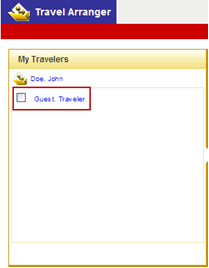
- In the top-right corner, select the drop-down arrow next to "You are administering travel for." Change the traveler from Me to Guest traveler.
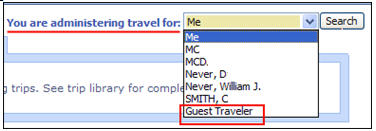
- Enter the booking information, and click Search.
- When prompted, enter the 4-digit department code. Click Next.
- Enter the traveler's name, e-mail, and phone number. ClickNext, and complete the traveler's booking.
|